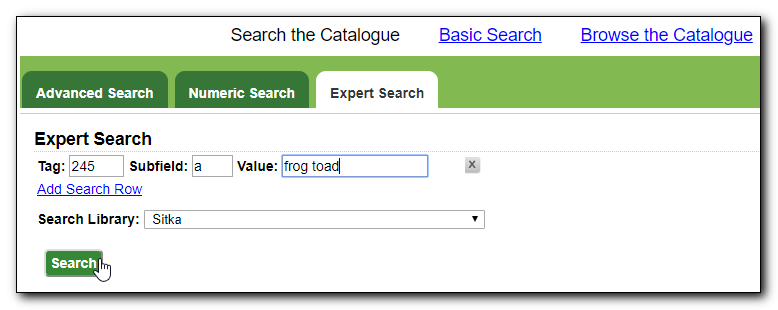
- To search the catalogue for holdings select Cataloguing → Search the Catalogue, or Search → the Catalogue, or press F3 and click on Expert Search tab.
Enter tag definitions and search criteria and click Search.
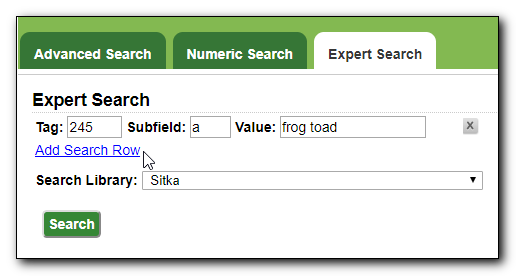
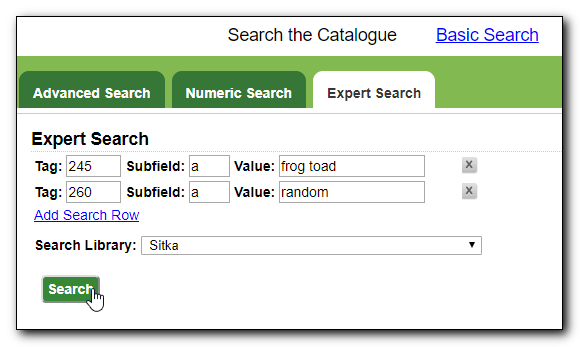
You may search multiple tags by clicking Add Search Row. The Boolean operator between the tags is always AND.
You may now search multiple tags.
Tip
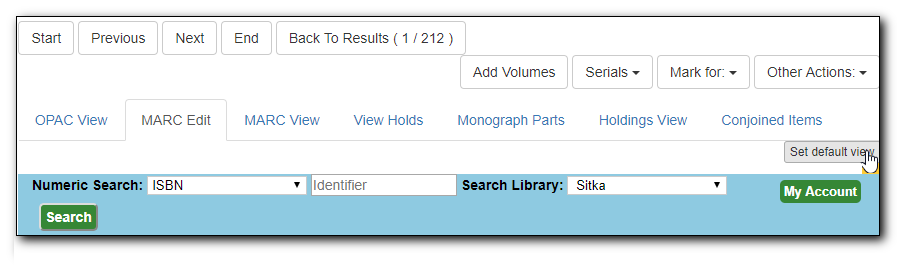
You can toggle record views during a session. You may set a default view by selecting the view, then clicking on Set default view button. Next time a record is loaded, it will be displayed in the selected view. MARC Edit is set as the default view in this example.