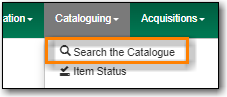
To search the catalogue for holdings, go to Cataloguing → Search the Catalogue.
Select the MARC Search tab. It will be open by default if it’s set as your default search pane.

When searching for cataloguing purposes it is important to ensure that you search the entire consortium.
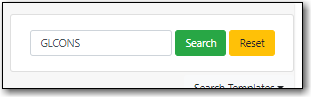
- (GLCONS is the Green Land Consortium on Sitka’s training server.)
Enter the tag, subfield, and value and click Search.

Tip
Remove any apostrophes from your search value. No results will be returned when apostrophes are included.
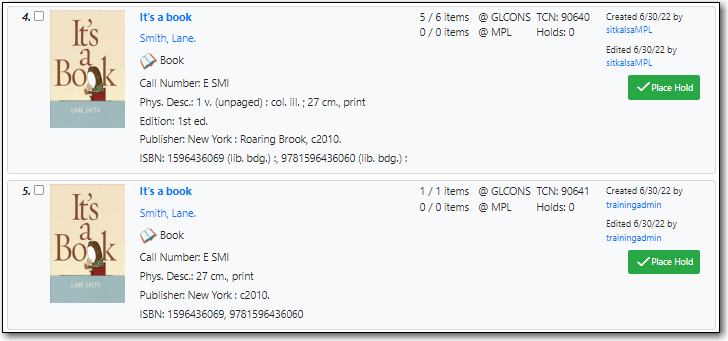
Your results are displayed. Refer to the section called “Viewing Search Results for Cataloguing Purposes” for information on determining which result to add your holding to.