Uncheck the check box next to the record. This can be done from the search results page or from within the basket.
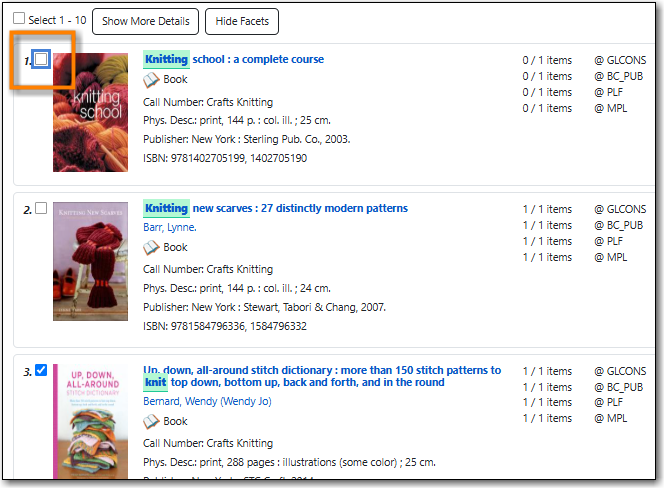
The record is removed from the basket and the count beside the basket icon will decrease.
Tip
You can also remove all records from the basket at once by clearing the basket. See the section called “Clear Basket”.

