Sitka Snippet Video - Deleting Inactive Patron Barcodes (2:46)
Tip
Inactive patron barcodes can also be individually deleted within the patron account.
When the barcode for a patron’s account is replaced and a new barcode is assigned, the old barcode remains in the Evergreen database as an inactive card. Patrons cannot login to the public catalogue with an inactive barcode, but inactive barcodes may be used to authenticate with some 3rd party products and to retrieve the active patron record in the staff client.
Co-op Support strongly recommends libraries delete inactive barcodes on a regular basis.
The Sitka template named List of Inactive Patron Barcodes can be used to generate a list of inactive patron barcodes which local system administrators can copy/paste into the Patron Deletion Tool.
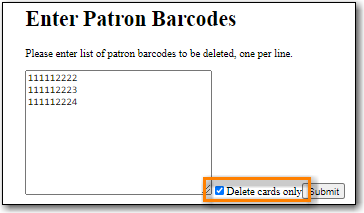
- In the Patron Deletion Tool enter the barcodes for the cards to be deleted (one barcode per line).
Check the box for Delete cards only.
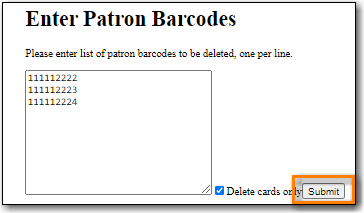
Click Submit.
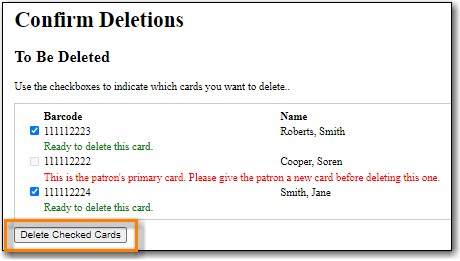
The confirmation page will appear. Confirm which cards you’d like to delete and click Delete Checked Cards.
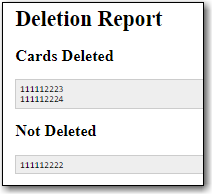
The deletion report lists successfully deleted cards.