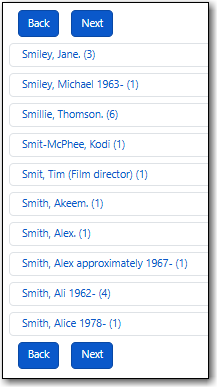
The Browse pane allows you to view bibliographic headings that fall around your search term alphabetically. Each result links to catalogue records that contain the indicated bibliographic information. (To browse by call number, see Shelf Browse.)
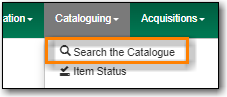
Go to Cataloguing → Search the Catalogue.
Select the Browse tab. It will be open by default if it’s set as your default search pane.

When searching it’s important to ensure that your desired search scope is set in the library selector.
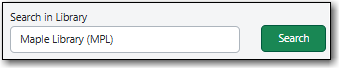
(MPL is the Maple Library on Sitka’s training server.)
Tip
Multi-branch libraries can search their entire system or a specific branch.
Libraries participating in reciprocal borrowing may wish to search their library or their ILC zone.
You can set your default search library for the workstation in Search Preferences.
Select a field to browse, enter a keyword, and click Search.

The following fields are browsable:
- title
- author
- subject
series
Tip
Enter the surname first when searching by author in the Browse pane.
Your results are displayed. Click Next or Back, which appear above and below the results, to view more results.