The MARC Search pane allows you to search fields and subfields in MARC records.
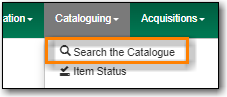
Go to Cataloguing → Search the Catalogue.
Select the MARC Search tab. It will be open by default if it’s set as your default search pane.

When searching it’s important to ensure that your desired search scope is set in the library selector.
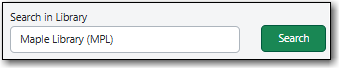
(MPL is the Maple Library on Sitka’s training server.)
Tip
Multi-branch libraries can search their entire system or a specific branch.
Libraries participating in reciprocal borrowing may wish to search their library or their ILC zone.
You can set your default search library for the workstation in Search Preferences.
Enter the tag, subfield, and value and click Search.

You can only search one tag or subfield per row. To add additional rows, click the plus sign (+) to the right of the search row. To remove rows, click the minus sign (-) to the right of the search row.
Tip
Remove any apostrophes from your search value. No results will be returned when apostrophes are included.
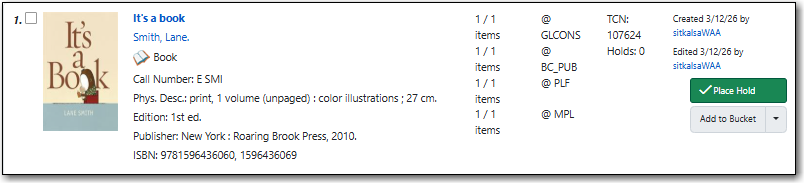
Your results are displayed. Refer to the section called “Viewing Search Results” for additional information.