Found under Shared Folders → Templates → Sitka_templates → Local Administration.
Recommended Recurrence Interval: None, run as needed
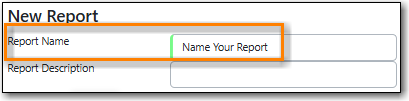
Enter a name that includes a specific date as this report will show all reports run within your specified time period.
On the Filters tab, enter values for the filters.
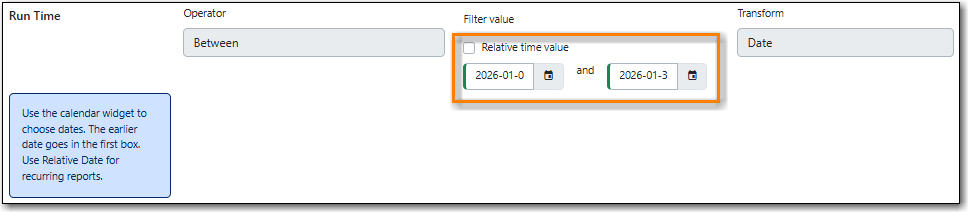
Run Time = enter the time period you would like to report on. The earliest date goes first.
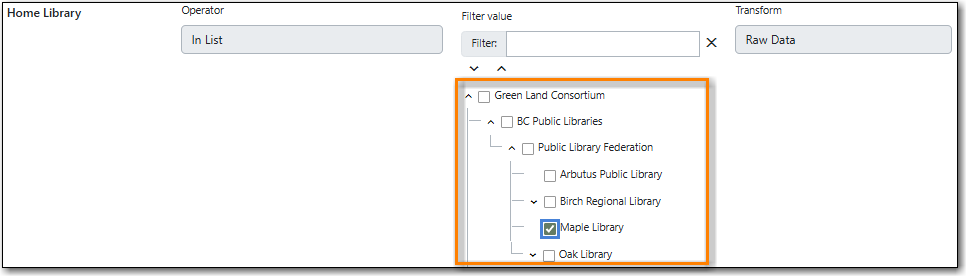
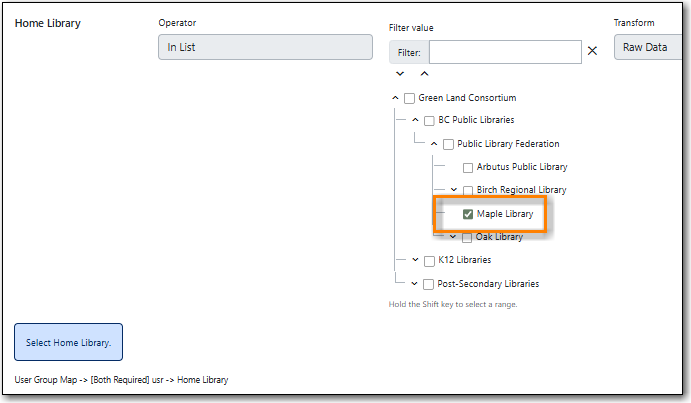
Home Library = select your library.
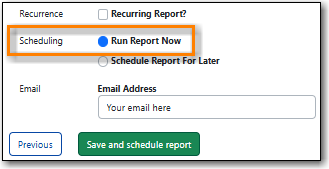
On the Layout and Scheduling tab, ensure the box is checked for Run Report Now.
Note
Any reports run in the specified time period that have been deleted will not be included in the report output.
Found under Shared Folders → Templates → Sitka_templates → Patrons → Library Staff.
Recommended Recurrence Interval: None, run as needed
Enter a descriptive name that includes the date on which you ran the report as this report will show a snapshot of your staff at the moment the report is run.
On the Filters tab, enter a value for the filter.
Home Library = select your library.
On the Layout and Scheduling tab, ensure the box is checked for Run Report Now.
Note
Library staff with multiple secondary permission groups assigned will display multiple times on the report.

