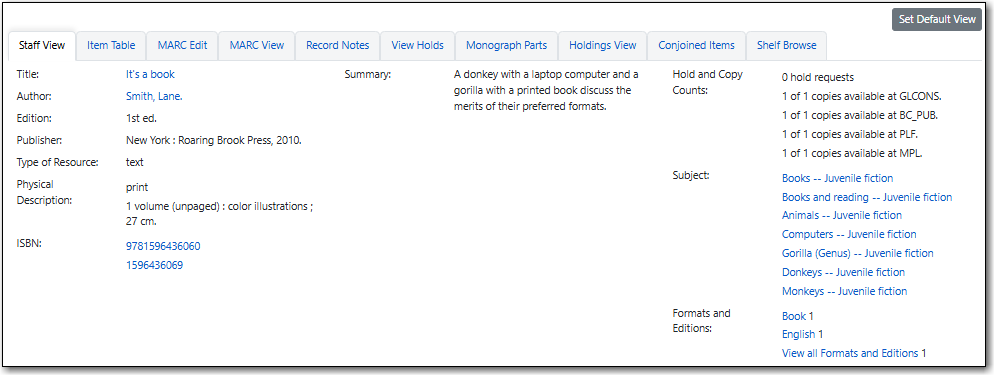
The Staff View tab contains information from the MARC record presented in a human-readable format. Hyperlinks are to a relevant search. For example, if a record has an ISBN, the ISBN is hyperlinked to a numeric search for this ISBN.
Depending on what information is available in the record, different information will show in this tab.
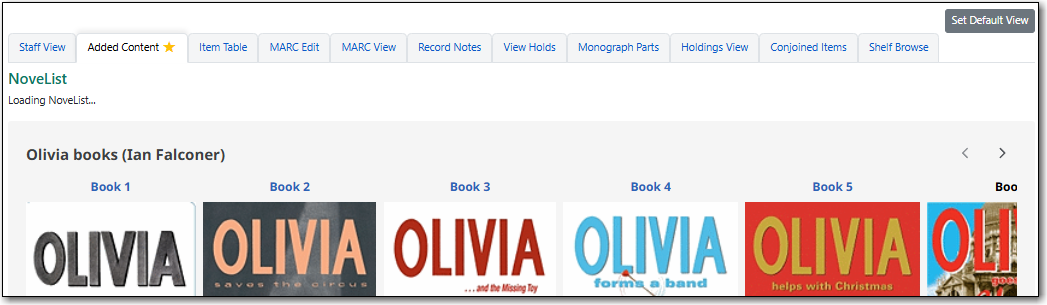
The Added Content tab displays for libraries that subscribe to a service that provides added content compatible with Evergreen.
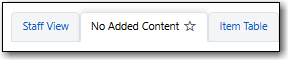
When no added content is available for a title the tab name will display as No Added Content.
Note
NoveList Select can be integrated with Sitka’s Evergreen for added content. Please contact Co-op Support if you have a Novelist Select subscription you would like integrated.
For any other added content subscriptions, please review the 3rd Party Service Integration policy and complete the 3rd Party Service Integration With Sitka’s Evergreen survey so Co-op staff can determine if it’s a compatible product.
The Item Table tab displays a table of holdings attached to the record based on your search scope. If a preferred library is set for the workstation, applicable items for that library will appear in the list. The table is organized alphabetically by library.
Within the table staff with appropriate permissions can click on the applicable link to:
- edit the call number in the Holdings Editor.
- edit the item in the Holdings Editor.
- view the item in Item Status.
- place an item level or call number level hold. These hold options should only be used in very specific circumstances. See the section called “Placing Call Number and Item Level Holds” for more information.
If additional functions are needed to work with an item staff should use the Holdings View tab instead.

The MARC Edit tab allows users with appropriate permissions to modify fixed fields and tags in the MARC record using the Enhanced MARC Editor and the Flat Text Editor.
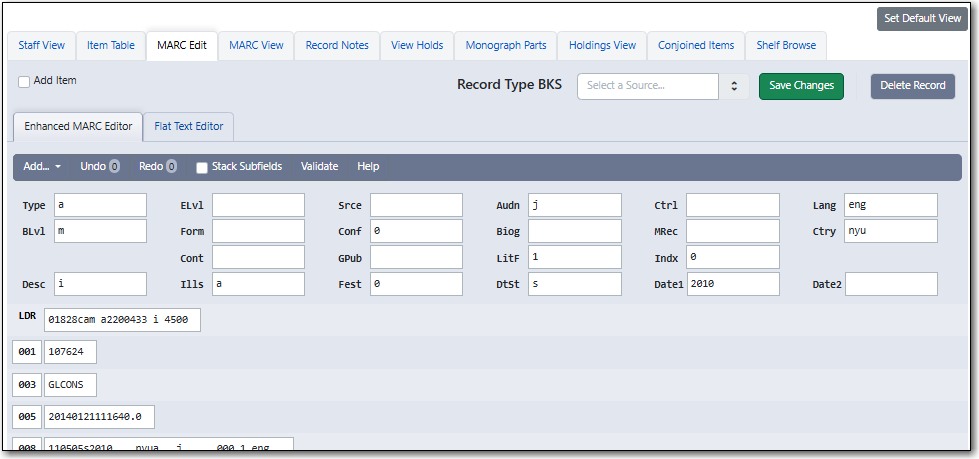
The MARC View tab shows a non-editable version of the MARC record. This tab can give users quick access to basic information about a title, but the Staff View tab may be more useful.
The MARC record can be printed from this tab by clicking the Print Page button.

The Record Notes tab allows users to view notes associated with a record. Currently this feature is only used by Evergreen to automatically add a record note when records are merged together.

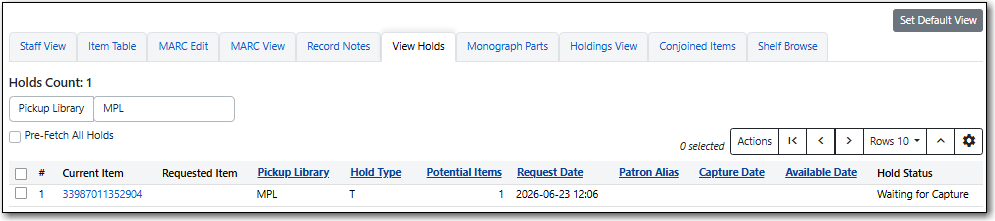
The View Holds tab lists all holds on the record in the scope specified in the Pickup Library selector. The Holds Count displays the number of holds within the pickup library scope.
For more information on viewing holds see the section called “Via the Staff Catalogue”.
The Monograph Parts tab allows users to manage parts associated with a record. The parts functionality is not used by Sitka.

The Holdings View tab displays detailed item and call number information. It also allows users with appropriate permissions to perform numerous actions on holdings.
- The Holdings Maintenance selector allows you to determine your library scope.
- The check boxes for Show Call Numbers, Show Copies, Show Empty Call Numbers, and Show Empty Libs enables you to show and hide elements as needed.
- Rows can be expanded or collapsed as desired using the arrows in the Location/Barcode column.
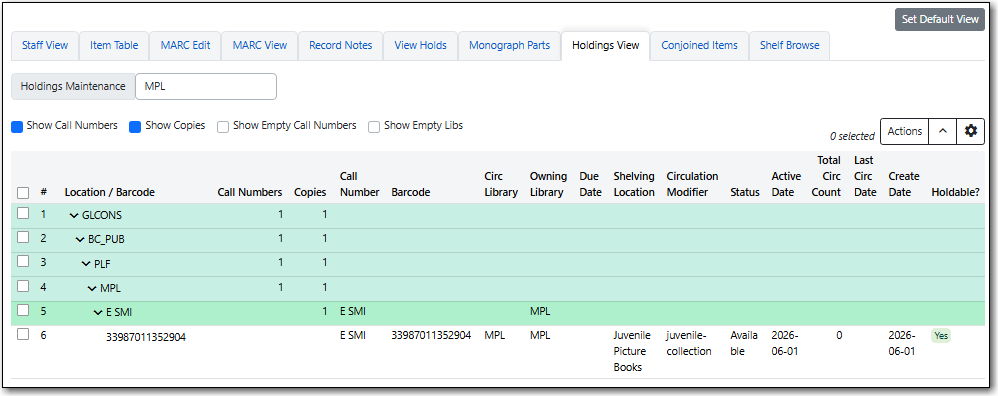
To change what information is displayed in the table, see more results, and select other options, see Grid Options.
The Conjoined Items tab allows users with appropriate permissions to manage conjoined items from the bibliographic record.